

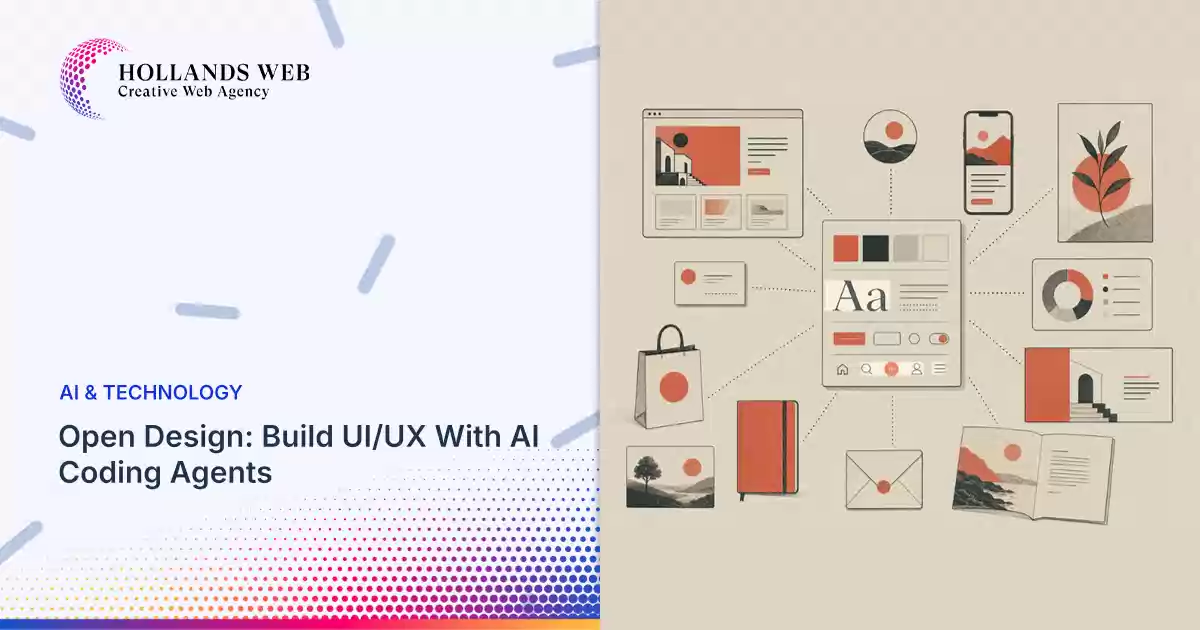

Creating a website involves more than producing an attractive layout.
A successful design needs consistent spacing, typography, accessible interactions, responsive components, and a clear connection between the visual concept and the finished application.
Traditional workflows often separate design tools from development environments. Designers create mockups, developers translate them into code, and both teams spend time resolving inconsistencies.
AI-assisted design tools aim to reduce that gap.
One project exploring this approach is Open Design, an open-source workspace for creating and refining digital products with AI agents.
What Is Open Design?
Open Design is a local-first, collaborative workspace designed to work with AI coding agents.
It supports projects such as websites, dashboards, interactive prototypes, presentations, visual assets, and motion graphics.
Rather than requiring developers to treat a generated design as a static picture, the platform supports workflows that produce actual project files and frontend code.
An important distinction is that Open Design does not simply bundle one proprietary AI model.
Its architecture supports compatible coding agents and external model integrations, allowing users to choose the tools they already work with.
What Does Open Design Include?
Design Systems
Design systems define reusable rules for typography, colors, spacing, components, and interface behavior.
Open Design supports structured design packages that can include style definitions, component files, and related assets.
A consistent design system helps teams avoid creating slightly different buttons, cards, and layouts across every new page.
Website and Application Prototypes
Developers can use AI agents to build initial website layouts, dashboards, and interface prototypes from written requirements.
Creative Templates and Plugins
The project includes workflows and reusable resources for different kinds of visual deliverables.
AI Agent Integration
Open Design can work with compatible coding agents and expose project information through MCP integrations.
Collaborative Review
The workspace supports iterative design work, helping teams review directions and refine deliverables.
Practical Example: Designing a Responsive Landing Page
Imagine a digital agency creating a landing page for a healthcare or tourism business.
The client provides a logo, brand colors, and a list of services.
The agency needs a responsive interface that works on desktop, tablet, and mobile.
A useful starting brief could be:
Create a responsive landing page for a premium travel company. Use a light visual theme, a clear hero section, destination cards, customer testimonials, and a contact form. Follow an 8px spacing system, define reusable components, and make the design accessible.
The team can then connect an AI coding agent and use Open Design to begin creating the project.
Instead of accepting the first generated interface, the designer should review the layout, improve visual hierarchy, and test the interface on different screen sizes.
Once the direction is approved, developers can continue working with the generated project files.
This approach can reduce repetitive work between visual design and frontend implementation.
However, it does not eliminate the need for user research, accessibility reviews, content strategy, or quality assurance.
How to Get Started With Open Design
Step 1: Visit the Official Repository
Open:
https://github.com/nexu-io/open-design
Review the README and current installation instructions.
Step 2: Choose an Installation Method
For Windows and macOS, the project offers desktop releases.
The desktop application is the simplest starting point for most users.
Linux users should consult the current source installation instructions, as the official documentation notes that a prebuilt Linux desktop release is not currently provided.
Step 3: Connect an AI Agent
Open Design can work with supported coding-agent tools installed on your system.
Select an available agent and configure any required model credentials.
Step 4: Define Your Design System
Before generating a large project, establish the typography, color palette, spacing, button styles, and reusable components.
Where possible, document these rules in the project’s design configuration.
Step 5: Create a Small Prototype
Start with a single landing page or dashboard rather than an entire application.
Step 6: Review and Iterate
Inspect the generated files, test responsive behavior, and check accessibility before extending the design.
Step 7: Move Into Development
Use the resulting project files in your development environment, review dependencies, and run the appropriate build and testing process.
Who Should Use Open Design?
Open Design is especially relevant to:
- UI/UX designers exploring AI-assisted workflows.
- Frontend developers creating working prototypes.
- Digital agencies producing client websites.
- Startups validating product ideas.
- Teams maintaining reusable design systems.
It can also help developers who already use AI coding agents and want those agents to work with structured visual assets.
Is Open Design a Replacement for Figma?
Not necessarily.
Open Design emphasizes AI-assisted workflows and the relationship between design artifacts and executable code.
Figma and similar products remain useful for collaborative interface design, prototyping, and established team workflows.
The best choice depends on whether the project prioritizes visual collaboration, AI-assisted production, structured design systems, or integration with source code.
Some teams may benefit from using both approaches.
Limitations and Costs
Open Design is an open-source project, but external model providers and certain connected services may introduce additional costs.
Generated designs still need human review.
Teams should verify the licensing terms of third-party assets and test the output for responsiveness, accessibility, browser compatibility, and performance.
Final Thoughts
Open Design represents a practical direction for AI-assisted UI/UX workflows: connecting design decisions with the code and components used to build the final product.
For digital agencies and frontend teams, its value is strongest when applied to clearly defined projects with established design rules.
The result should not simply be a faster mockup. It should be a more consistent and maintainable path from the initial concept to a working interface.
Official GitHub Repository: https://github.com/nexu-io/open-design