


Links are one of the foundations of the web. They connect information, guide visitors between pages, help search engines discover content, and provide context about how different resources relate to one another.
But when it comes to SEO, not all links communicate the same relationship.
You have probably encountered terms such as dofollow, nofollow, sponsored, UGC, internal links, and backlinks. They are often discussed together, although they describe different aspects of linking.
For website owners, content creators, and SEO professionals, understanding these differences is essential.
The short answer: A standard HTML hyperlink does not need a dofollow attribute. Most editorial links can remain normal links. Special rel attributes are used when you need to clarify a relationship, such as advertising, user-generated content, or a link you do not want to endorse.
In this guide, we will explain how links work in modern SEO, when each attribute is appropriate, and how to implement a practical linking strategy in WordPress and Elementor.
What Is a Dofollow Link?
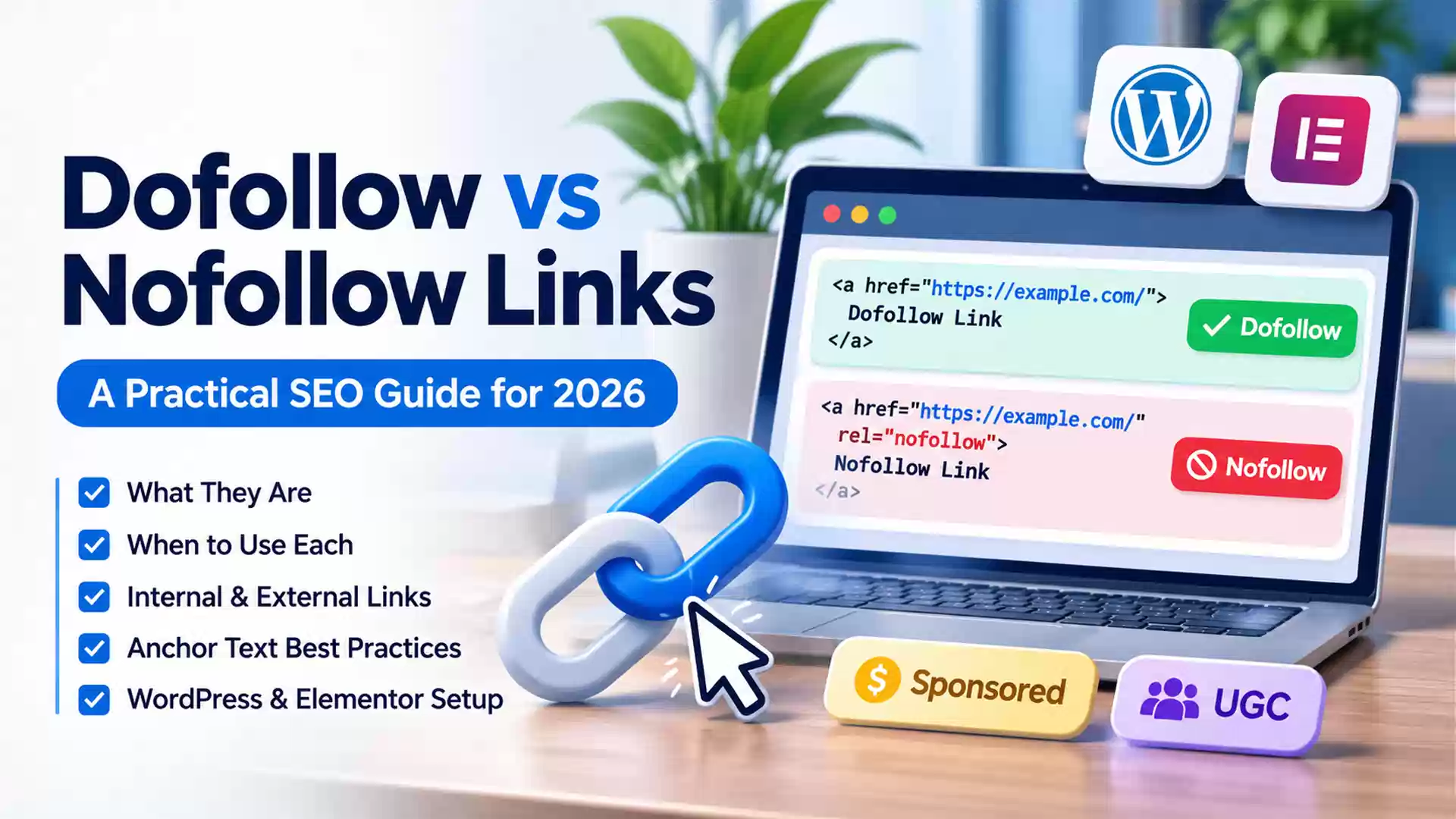
A dofollow link is the informal SEO term for a standard hyperlink that does not contain a qualifying attribute such as nofollow, sponsored, or ugc.
Consider this example:
<a href="https://example.com/">Visit Example</a>
The link has an href attribute pointing to another webpage. It does not require an additional instruction telling search engines to follow it.
In fact, rel="dofollow" is not a recognized link qualification used by Google to control crawling or ranking credit.
Although the term dofollow remains popular in SEO tools, articles, and backlink reports, the more technically accurate description is an ordinary or unqualified hyperlink.
Do Dofollow Links Pass PageRank?
Standard hyperlinks can contribute to the signals that search engines use to understand relationships between pages.
Google has historically used PageRank to evaluate links, and links continue to play a role in its search systems.
However, saying that every dofollow link automatically transfers a measurable amount of SEO authority is an oversimplification.
Google evaluates links within a much broader system. The relevance of the pages, the context of the link, and other signals can influence whether and how a link is used.
A normal hyperlink makes a link eligible for consideration; it does not guarantee a ranking improvement for the destination.
This distinction is particularly important when evaluating backlink services that promise guaranteed SEO benefits from dofollow links.
What Is a Nofollow Link?
A nofollow link contains the HTML attribute rel="nofollow".
For example:
<a href="https://example.com/" rel="nofollow">Visit Example</a>
This attribute indicates that the website owner would rather Google not associate the linking page with the destination or treat the link as a normal endorsement.
Nofollow originally operated more like a directive for Google’s link analysis. That interpretation changed when Google introduced a more flexible approach in 2019.
Today, Google treats nofollow as a hint, alongside sponsored and ugc.
This means Google can use its own systems and other signals when determining how to interpret links.
According to Google’s official guidance on qualifying outbound links, these attributes generally discourage following the linked pages, but they do not guarantee that the destinations will never be crawled or discovered.
A nofollow link may still generate referral traffic, bring visitors to useful content, and provide a normal navigation experience.
The attribute changes the relationship communicated to search engines, not whether visitors can click the link.
Dofollow vs Nofollow: What Is the Difference?
The primary distinction is how the website owner qualifies the relationship between the linking page and its destination.
| Feature | Dofollow (standard link) | Nofollow |
|---|---|---|
| HTML | Normal <a href> |
rel="nofollow" |
| Clickable for visitors | Yes | Yes |
| Can generate referral traffic | Yes | Yes |
| Eligible for normal link-based ranking consideration | Yes | Generally not treated as a normal endorsement |
| Guarantees a ranking benefit | No | No |
| Prevents Google from discovering the destination | No | No |
| Typical use | Editorial and internal links | Links the publisher does not want to endorse |
An important point is that nofollow is not a privacy or security mechanism. It should not be used as a substitute for controlling access to content or managing indexing.
The Four Link Attributes Every Website Owner Should Understand
Although dofollow and nofollow attract the most attention, modern link management requires understanding four common situations.
1. Standard Links: Normal Editorial References
A normal hyperlink is suitable when you are linking to a relevant resource without needing to qualify the relationship.
For example:
<a href="https://example.com/seo-guide/">SEO Guide</a>
This is generally the appropriate approach for links to your own relevant articles, service pages, and reputable external references.
You do not need to add rel="dofollow".
2. Nofollow: Links You Do Not Want to Endorse
Use rel="nofollow" when you need to reference a destination but do not want to imply endorsement, and no more specific link attribute applies.
For example, you might discuss a questionable SEO service in a critical article and link to its website so readers can understand what you are referring to.
<a href="https://example.com/" rel="nofollow">Example Service</a>
Using nofollow in this situation communicates the intended relationship more accurately than treating the destination as an ordinary recommendation.
3. Sponsored: Advertising and Paid Placements
Google recommends rel="sponsored" for advertisements, paid placements, sponsorships, and links involving compensation.
Example:
<a href="https://example.com/product/" rel="sponsored">Sponsored Product</a>
This distinction is important because buying or selling links for ranking manipulation violates Google’s spam policies.
An advertisement or paid article can legitimately contain links, but those links should be properly qualified.
Google also accepts nofollow for paid links, although sponsored is the preferred attribute.
This applies to affiliate links and other compensated recommendations where the link forms part of a commercial arrangement.
4. UGC: User-Generated Content
UGC stands for User-Generated Content.
The attribute rel="ugc" identifies links appearing in content contributed by users rather than the website’s editorial team.
Examples include links in forum posts, public discussions, and blog comments.
<a href="https://example.com/" rel="ugc">User Website</a>
This distinction helps search engines understand that a link was submitted by a contributor and should not automatically be treated as the publisher’s editorial recommendation.
For websites with public comment sections, qualifying user-submitted links is one element of a broader anti-spam strategy.
Can Multiple Attributes Be Combined?
Yes.
For example:
<a href="https://example.com/" rel="ugc nofollow">User Link</a>
This identifies the link as user-generated content while also including the nofollow qualification.
Another example is:
<a href="https://example.com/" rel="sponsored nofollow">Paid Link</a>
Multiple values are valid when they accurately describe the relationship.
However, adding every available attribute to every hyperlink is unnecessary.
The goal is to communicate the correct relationship, not to create more complicated HTML.
Internal Links vs External Links: Why Both Matter
Dofollow and nofollow describe link qualifications.
Internal and external describe where a link points.
These are separate concepts, and understanding the distinction makes it easier to design a coherent SEO strategy.
What Are Internal Links?
An internal link connects one page of a website to another page on the same website.
For example, imagine a web design agency publishes an article about creating effective landing pages.
Within that article, it might link to another guide explaining conversion rate optimization.
The relationship is natural because the second resource helps the reader understand the first topic more deeply.
Internal links serve several purposes.
They help readers navigate the website, provide context between related topics, and give search engines paths for discovering additional pages.
Google specifically recommends ensuring that important pages are linked from at least one other page on the website.
A new article that is only included in an XML sitemap, but has no meaningful internal links, may be difficult for visitors to discover through normal navigation.
This situation is commonly called an orphan page.
Should Internal Links Be Dofollow?
In most situations, yes.
Relevant internal links should normally remain standard hyperlinks without nofollow.
For example:
<a href="/blog/content-strategy/">Content Strategy</a>
Adding nofollow to ordinary internal links is generally unnecessary and may weaken the clarity of the site’s internal linking structure.
Google does not recommend using nofollow as a primary method for controlling crawling within your own website.
If the objective is to prevent a page from appearing in search results, a properly implemented noindex directive is more appropriate.
If the objective is to restrict crawling, robots.txt rules may be relevant, but they do not provide access protection or guarantee that a URL cannot appear in search results.
The correct solution depends on what you actually want to prevent: crawling, indexing, or access.
What Are External Links?
External links direct users from your website to another website.
For example, an article discussing Google’s indexing recommendations could link directly to Google Search Central’s SEO documentation.
External links can support your content by giving readers access to official documentation, original research, technical specifications, and other relevant material.
One of the most persistent SEO myths is that linking to external websites automatically harms your rankings because it gives away your site’s authority.
That is not how Google recommends approaching external references.
Google encourages linking to trustworthy external resources when those references genuinely help readers.
Should All External Links Be Nofollow?
No.
A normal link to a reputable source does not automatically need nofollow.
For example, if you reference official WordPress documentation to explain how a feature works, the ordinary hyperlink is generally appropriate.
You should not automatically add nofollow to every outbound link merely because it points to another domain.
The more useful question is whether the destination is trustworthy and whether the relationship requires an additional qualification.
What Is a Backlink?
A backlink is an incoming link from another website to yours.
For example, if an independent technology publication links to an article on Hollands Web, that incoming link is a backlink from Hollands Web’s perspective.
Backlinks differ from internal links because the linking page belongs to another website.
They may contribute to a website’s visibility and link-based ranking signals, but their value is not determined solely by whether an SEO tool labels them dofollow.
A naturally earned link from relevant editorial content is fundamentally different from hundreds of automatically generated links created to manipulate search results.
Google’s link spam policies explicitly address paid ranking links, excessive exchanges, automated link creation, and other manipulative practices.
A sustainable backlink strategy therefore focuses on producing material worth referencing rather than purchasing large quantities of links.
How Many Internal and External Links Should an Article Have?
There is no universal number.
You may encounter recommendations to add three internal links, two external links, or one link every few hundred words.
These figures can function as editorial reminders, but they are not Google ranking requirements.
Google’s link best practices documentation explicitly explains that there is no magical ideal number of links for a page.
A short article addressing a straightforward question might require only a few links.
A detailed technical guide may legitimately contain many references to documentation, related tutorials, standards, and supporting examples.
The real questions are whether each link helps the reader and whether its placement makes sense.
Where Should Links Appear Inside an Article?
Contextual links within the main content are often particularly useful because readers can understand why the destination matters.
Imagine an article explaining how to create SEO-friendly content.
A relevant sentence might say:
“Content discoverability also depends on how related pages are connected. Our guide to creating high-quality content that drives website traffic explains how content quality, search intent, and internal linking work together.”
This is a more meaningful link than adding an unrelated list of pages at the end of the article.
Links should appear where the reader naturally needs additional information.
Related-article sections can also help, but they should complement contextual linking rather than replace it entirely.
Anchor Text: One of the Most Important Parts of a Link
Anchor text is the visible, clickable text associated with a hyperlink.
It helps visitors understand what they can expect after clicking.
It also gives search engines contextual information about the destination.
For example, consider two sentences.
Weak example:
“To learn more about SEO, click here.”
The words “click here” provide little information about the destination.
Better example:
“Read our guide to creating an effective SEO content strategy.”
The second version describes the destination clearly.
Google recommends anchor text that is descriptive, concise, and relevant to both the linking page and the destination.
Should Anchor Text Include Keywords?
Keywords can be included when they fit naturally.
However, repeatedly linking the same exact-match phrase across dozens of articles can make a website’s content feel artificial.
Suppose a website has an article about WordPress speed optimization.
Natural anchor text variations could include “improving WordPress performance,” “WordPress speed optimization,” or “optimizing a slow WordPress website.”
Different phrases can accurately describe the same destination depending on context.
There is no need to force the exact target keyword into every link.
Anchor text should primarily help readers understand what they are clicking.
Avoid Overloaded Link Placement
A paragraph containing several links immediately next to one another can become difficult to read.
Linking every occurrence of a keyword is also unnecessary.
Instead, select appropriate opportunities where a link adds information or supports the reader’s next step.
The same principle applies to links placed in headings, image captions, buttons, and other interface elements.
Use the format that best supports navigation and comprehension.
How to Add Dofollow and Nofollow Links in WordPress
WordPress allows publishers to create normal hyperlinks without manually editing HTML.
In the block editor, commonly called Gutenberg, you can highlight text, select the link control, and enter the destination URL.
A standard link will not require a dofollow setting.
Adding a Standard Link in WordPress
Select the relevant words within a Paragraph block, use the link control or the Ctrl + K shortcut, and enter the desired URL.
Leave the nofollow option disabled.
Publish or update the article.
The resulting hyperlink should be a normal HTML link unless a plugin or another system modifies its attributes.
Adding a Nofollow Link in WordPress
The WordPress link control includes advanced settings that may offer a Mark as nofollow option.
Open the link settings, expand the available advanced controls, and enable nofollow when appropriate.
The exact appearance of these controls can vary depending on the WordPress version, the block, and any installed editor extensions.
You can refer to the official WordPress Link Control documentation for the current interface.
Adding Links in Elementor
Elementor provides link controls in widgets such as Button, Heading, and Image.
For widgets with a dedicated Link field, click the link settings icon to access available options.
Depending on the widget and editor version, these options can include opening the link in a new window, applying nofollow, or adding custom HTML attributes.
For ordinary editorial links, leave nofollow disabled unless there is a specific reason to use it.
For a sponsored link, Elementor’s custom link attributes feature can be used where supported.
For example, enter:
rel|sponsored
This produces a rel="sponsored" attribute on the link.
For a UGC link, the corresponding value is:
rel|ugc
One important limitation is that Elementor’s dedicated Custom Attributes link field is not available for individual hyperlinks created inside every Text Editor widget.
If you need an exact attribute on an inline text link, you may need to edit the HTML in an appropriate editor or use another supported method.
You can find the exact syntax in Elementor’s Custom Link Attributes documentation.
How Can You Check Whether a Link Is Dofollow or Nofollow?
The most reliable basic method is to inspect the rendered HTML.
Open the published webpage in your browser, right-click the relevant link, and choose Inspect.
In the browser’s developer tools, examine the anchor element.
A normal link may look like this:
<a href="https://example.com/">Example</a>
A nofollow link may look like this:
<a href="https://example.com/" rel="nofollow">Example</a>
If the link contains rel="sponsored" or rel="ugc", those attributes identify additional relationships.
Be aware that a link can contain multiple rel values, including technical values such as noopener or noreferrer.
These should not be confused with Google-specific link qualification attributes.
For larger websites, a crawling tool or SEO auditing platform can help identify internal links, outbound links, redirects, broken destinations, and link attributes across many pages.
Does Opening a Link in a New Tab Affect SEO?
Opening a link in a new tab and qualifying its SEO relationship are separate decisions.
An HTML link using target="_blank" opens the destination in a new browsing context.
For example:
<a href="https://example.com/" target="_blank" rel="noopener">Example</a>
The noopener attribute is related to browser security. It prevents the newly opened page from accessing the original page through the window.opener relationship.
Modern browsers generally provide this behavior implicitly for links using target="_blank".
The noreferrer attribute controls the sharing of referrer information.
Neither noopener nor noreferrer is equivalent to nofollow.
Opening an external link in a new tab is not an SEO requirement. It is primarily a navigation and user-experience decision.
For most internal navigation, opening pages in the same tab provides a straightforward experience.
When a link opens a new tab unexpectedly, consider whether the behavior is clear to visitors.
Read More:
Common SEO Linking Mistakes to Avoid
Even well-written articles can have linking problems that reduce their usefulness or make them harder for search engines to interpret.
Adding Dofollow Attributes Manually
Adding rel="dofollow" is unnecessary.
Use a normal hyperlink instead.
Making Every External Link Nofollow
This is not a standard Google recommendation.
Normal editorial references can remain ordinary links.
Leaving Paid Links Unqualified
Advertisements, sponsorships, and compensated links should be marked appropriately.
Use rel="sponsored" where possible.
Using Nofollow to Prevent Indexing
Nofollow does not provide reliable indexing control.
Use the appropriate indexing or crawling mechanism for your actual objective.
Linking to Broken or Irrelevant Pages
A technically valid hyperlink can still lead to a 404 error, an unrelated destination, or an outdated resource.
Review links as part of regular content maintenance.
Where possible, point directly to the relevant current URL rather than relying on unnecessary redirect chains.
Using Generic Anchor Text Everywhere
Repeated phrases such as “click here” and “read more” often provide insufficient context.
Describe the destination naturally.
Ignoring Image Link Accessibility
When an image functions as a link, its alternative text can help communicate the link’s purpose to both assistive technologies and search engines.
Use alt text that meaningfully describes the image’s function or destination, rather than filling it with keywords.
Creating Links Solely to Manipulate Rankings
Artificial link exchanges, paid ranking links without appropriate attributes, and automated backlink schemes can create SEO risks.
A useful linking strategy should support real relationships between relevant content.
Do Links Help With AI Overviews and AI Search?
Links can help search systems discover content and understand relationships between pages.
Clear internal navigation, descriptive anchor text, and trustworthy references also make a website easier for people to explore.
However, there is no special dofollow attribute that guarantees inclusion in Google AI Overviews or citations from AI assistants.
A website’s presence in AI-generated search experiences depends on the systems involved and cannot be guaranteed through a particular link attribute.
The practical approach is to maintain accessible content, logical relationships between pages, accurate information, and reliable supporting references.
These fundamentals support conventional search and provide a sound technical foundation for AI-driven discovery.
Read More:
Generative Engine Optimization (GEO): How to Make Your Brand Appear in AI Answers?
A Practical Linking Checklist Before Publishing
Before publishing or updating a blog post, review the following:
- Check internal relevance. Link to related articles or service pages where readers genuinely benefit from further information.
- Review anchor text. Make sure clickable phrases are descriptive, readable, and natural.
- Verify external sources. Prefer primary documentation and reliable references when supporting factual or technical claims.
- Apply the correct attributes. Leave normal links unqualified, mark paid links appropriately, and qualify user-generated links when needed.
- Test destinations. Check for broken URLs, unexpected redirects, and incorrect language versions.
- Inspect rendered HTML. Confirm that the links and attributes generated by WordPress, Elementor, or installed plugins match your intentions.
- Review older content. Update outdated references and add useful links to newly published related articles.
This process is more valuable than meeting an arbitrary target for how many links an article should contain.
Final Thoughts: Link for Readers, Not Just Search Engines
A strong linking strategy is not about maximizing the number of dofollow links in every article.
It is about creating useful connections between information.
Normal links are appropriate for most editorial references and internal navigation. Nofollow, sponsored, and UGC attributes communicate specific relationships when they matter.
Internal links should help visitors navigate related content. External links should support explanations, reference credible information, or provide additional value.
Above all, anchor text should be meaningful, destinations should be relevant, and links should be technically accessible.
When these principles guide your content, your website becomes easier to navigate, maintain, and understand.
The objective is not to make every hyperlink an SEO tactic.
It is to build a website where every important link has a clear purpose.
Frequently Asked Questions
Are all links dofollow by default?
A standard HTML hyperlink without nofollow, sponsored, or ugc is ordinarily treated as an unqualified link. The term dofollow is informal SEO terminology rather than a special HTML attribute you must add.
Is nofollow bad for SEO?
No. Nofollow is useful when a link should not be treated as a normal editorial endorsement. It can also be part of a healthy approach to handling untrusted or user-submitted content.
Should internal links be dofollow?
Generally, yes. Normal internal links help connect pages and support navigation and discovery. There is usually no reason to apply nofollow to relevant internal editorial links.
Do nofollow links pass PageRank?
Google treats nofollow as a hint and generally does not treat these links as ordinary endorsements for ranking credit. However, Google’s systems can evaluate links using additional signals, so nofollow should not be described as an absolute guarantee of zero consideration.
How many internal links should a blog post have?
There is no fixed Google-recommended number. Include links where they make sense for the content and help readers discover useful related resources.
Do external links help SEO?
External links can help provide context, cite trustworthy sources, and improve the usefulness of content. Adding external links does not guarantee higher rankings, but there is no need to avoid reputable references solely out of concern about giving away authority.
Should affiliate links use sponsored or nofollow?
Google prefers rel="sponsored" for links involving advertising, affiliate compensation, or paid placements. rel="nofollow" is also acceptable for qualifying those links.
Does rel=”noopener” mean a link is nofollow?
No. noopener is associated with browser security when opening links in a new tab or window. It does not perform the SEO function of nofollow.