


Formatting a hard drive or SSD is the same as buying a new hard drive because the process erases all data in one go. Formatting a hard drive allows you to clean both internal and external storage media.
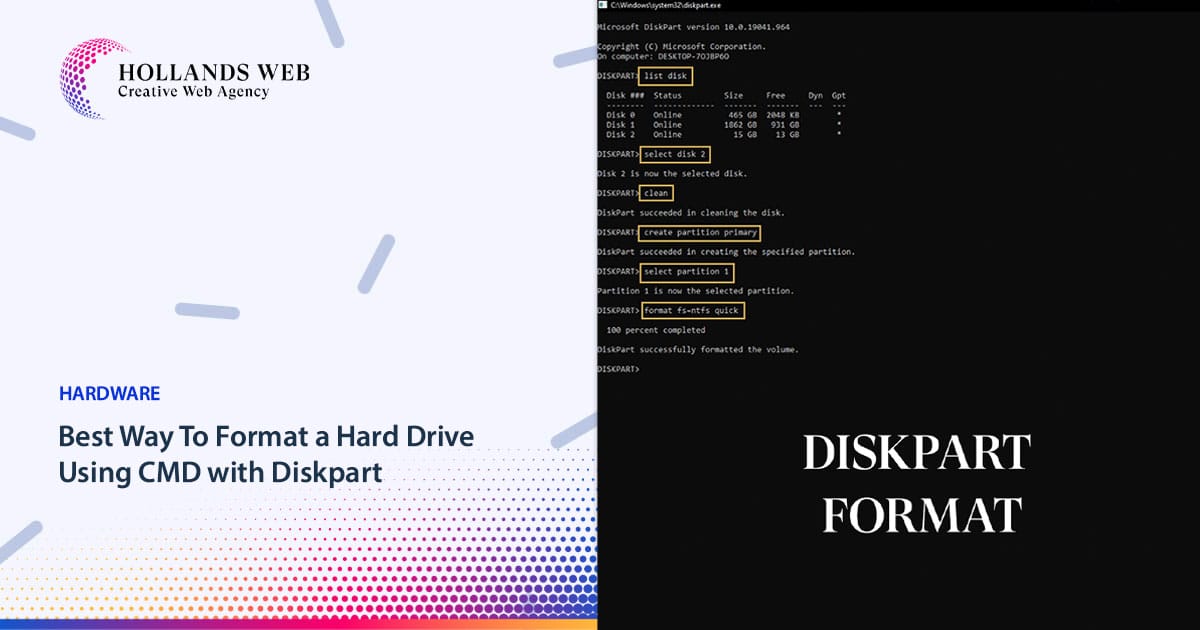
Here are the steps to format a hard drive using CMD with Diskpart:
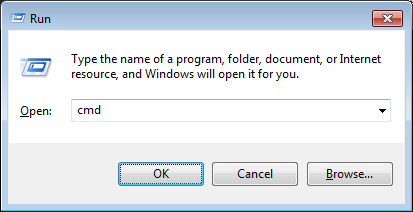
- Open Command Prompt by typing “cmd” in the search bar or by pressing Windows Key + R, typing “cmd“, and press Enter.

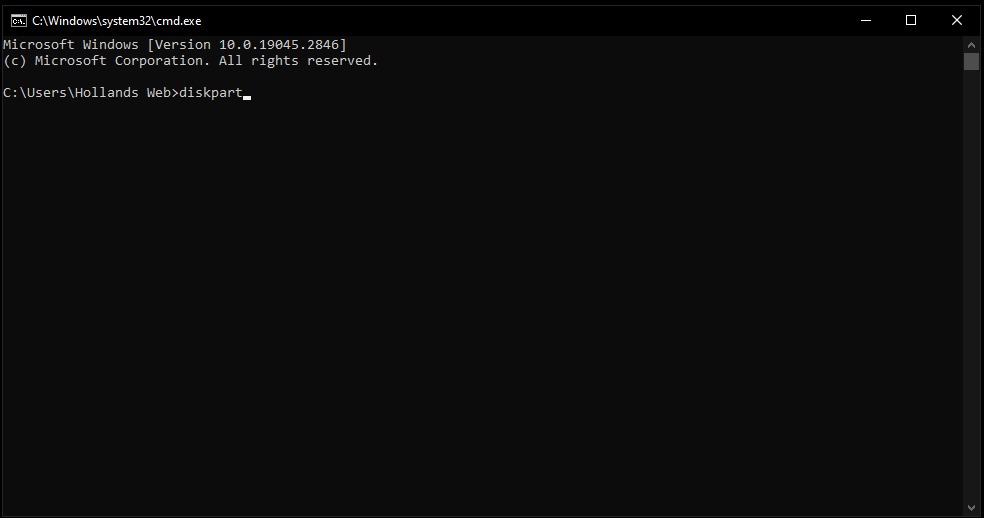
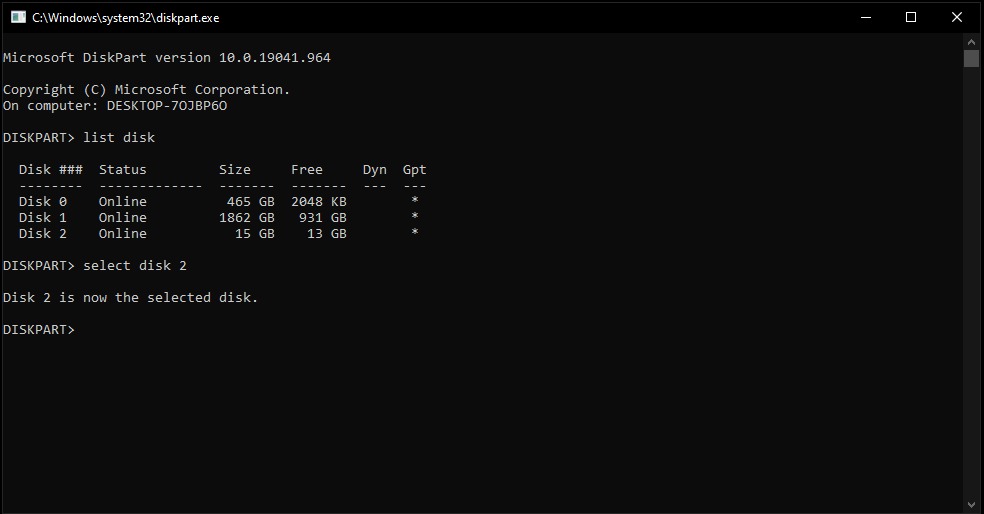
- Type “diskpart” in the Command Prompt window and press Enter.

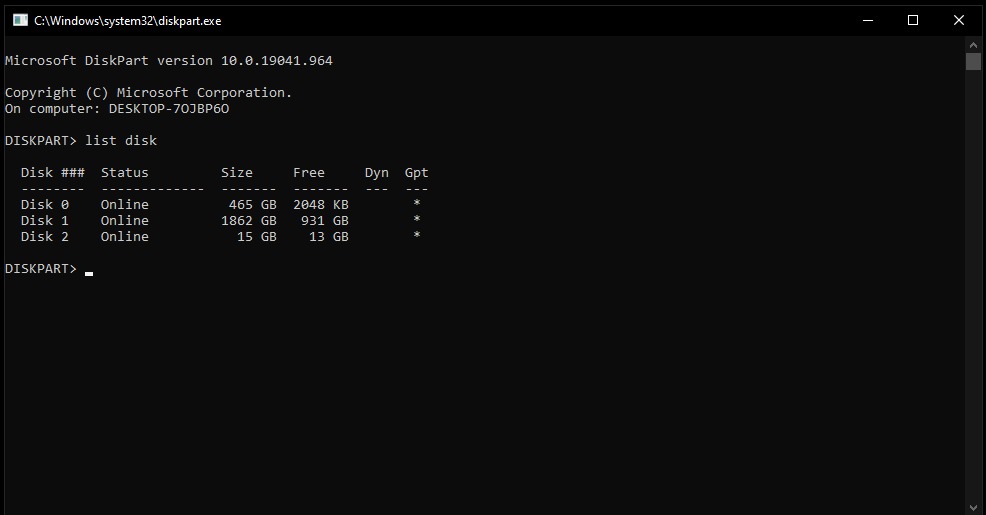
- Type “list disk” and press Enter. This will display a list of all the disks attached to your computer.

- Identify the disk you want to format. Note its disk number.
- Type “select disk [disk number]” and press Enter. Replace [disk number] with the actual disk number you identified in the previous step.

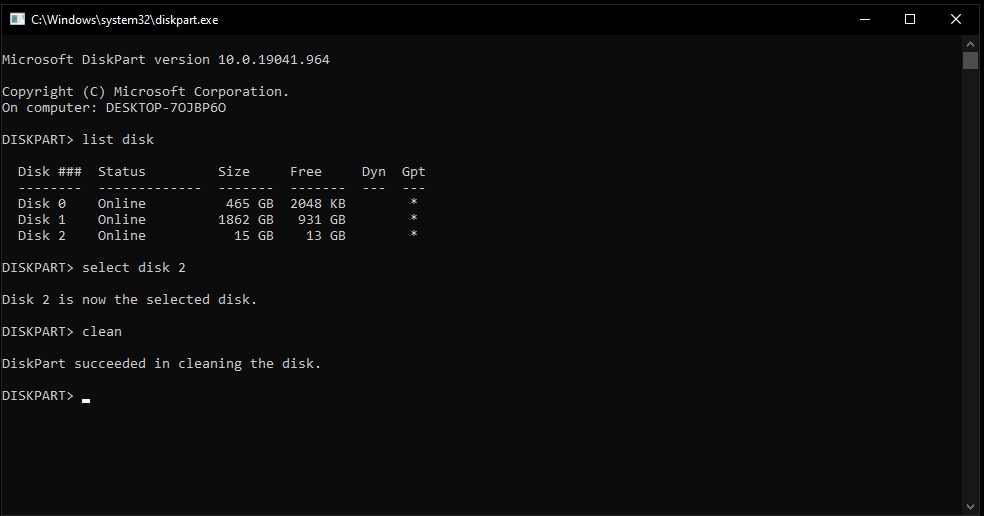
- Type “clean” and press Enter. This will erase all data on the selected disk.

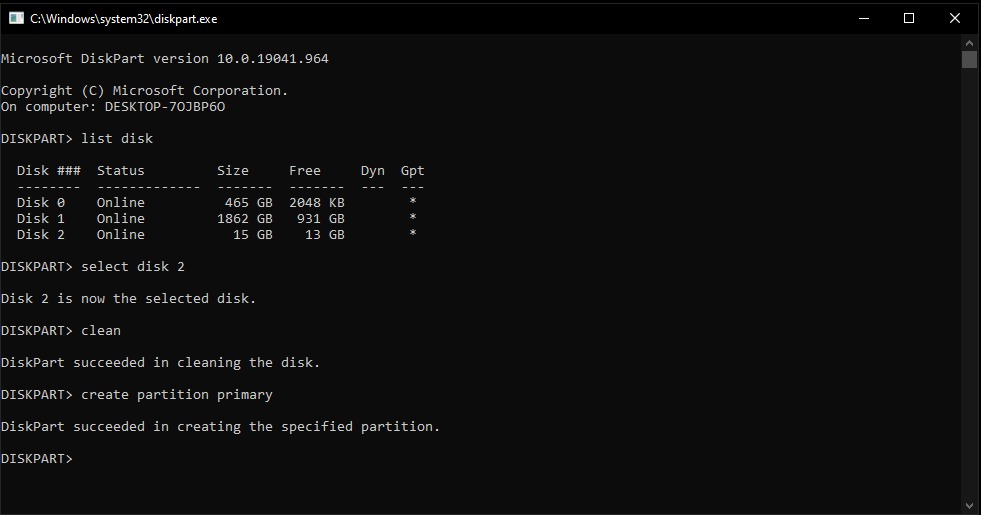
Note: After creating a new partition here you can convert the disk to MBR/GPT Disk - Type “create partition primary” and press Enter. This will create a new primary partition on the disk.

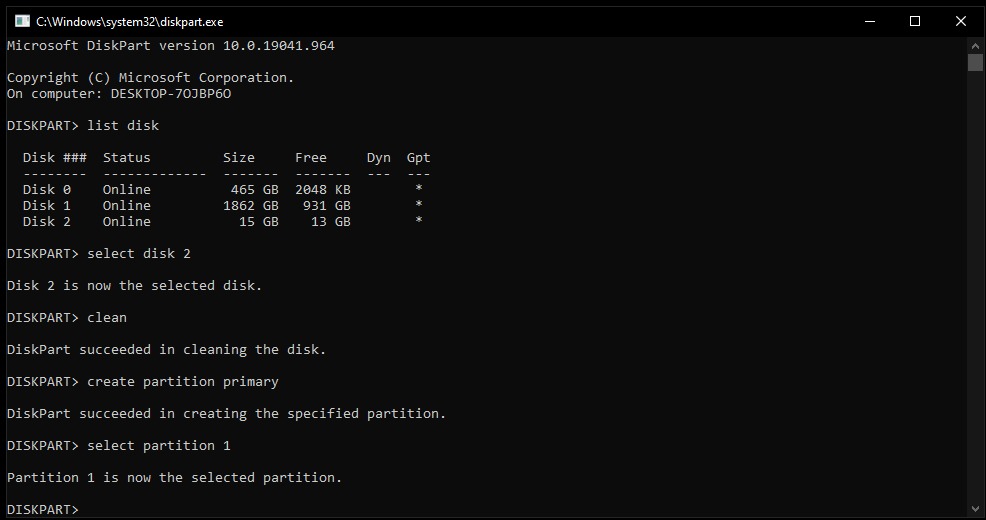
- Type “select partition 1” and press Enter. This will select the partition you just created.

- Type “format fs=ntfs quick” and press Enter. This will format the partition using the NTFS file system.

- Wait for the formatting process to complete. This may take a few minutes.
- Type “exit” and press Enter to exit Diskpart.
- Type “exit” and press Enter again to close the Command Prompt window.
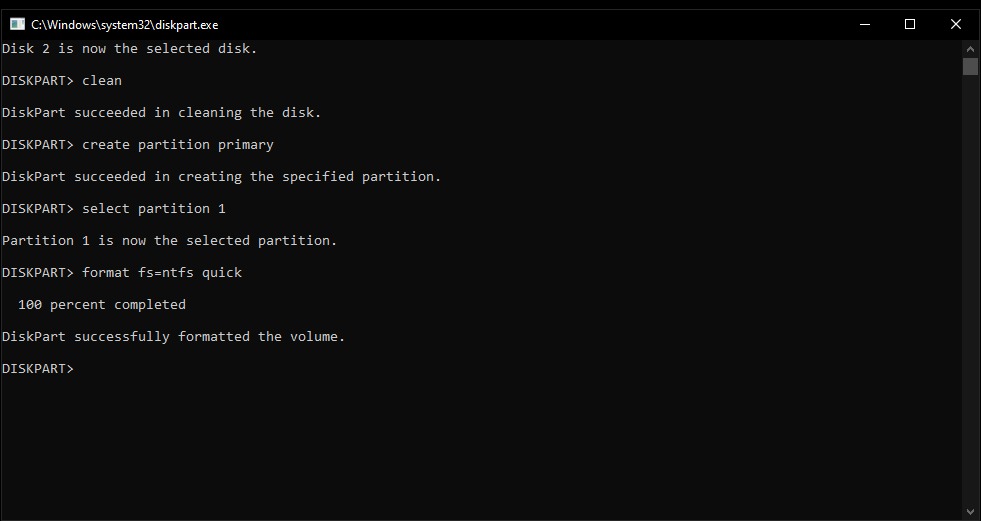
Your hard drive is now formatted and ready for use.